


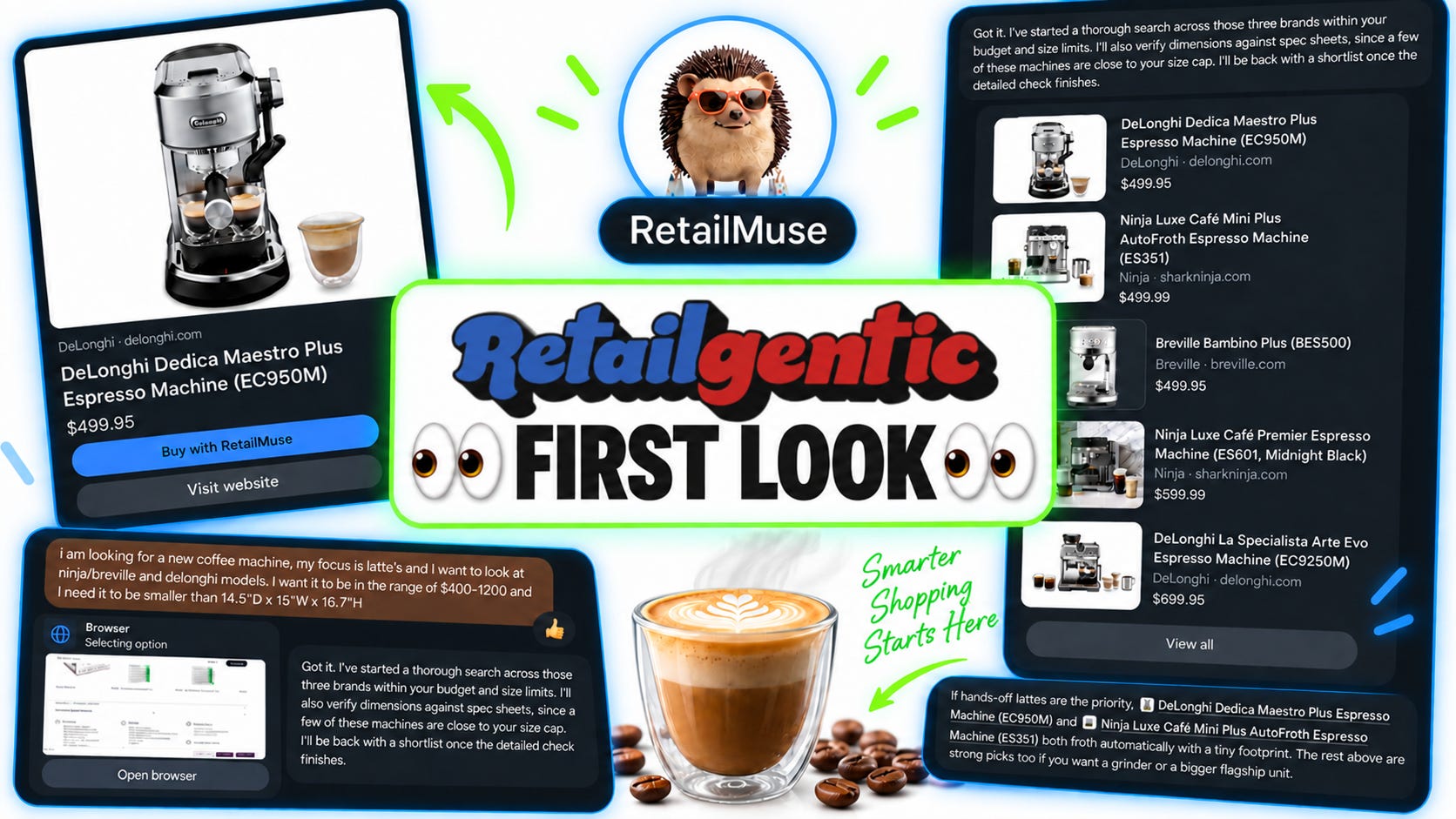
Moments ago, META announce Muse via a Zuck X-storm!
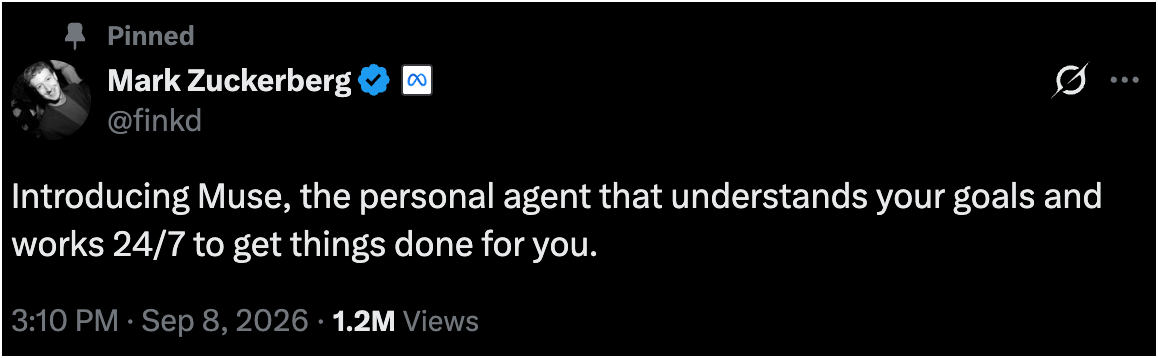
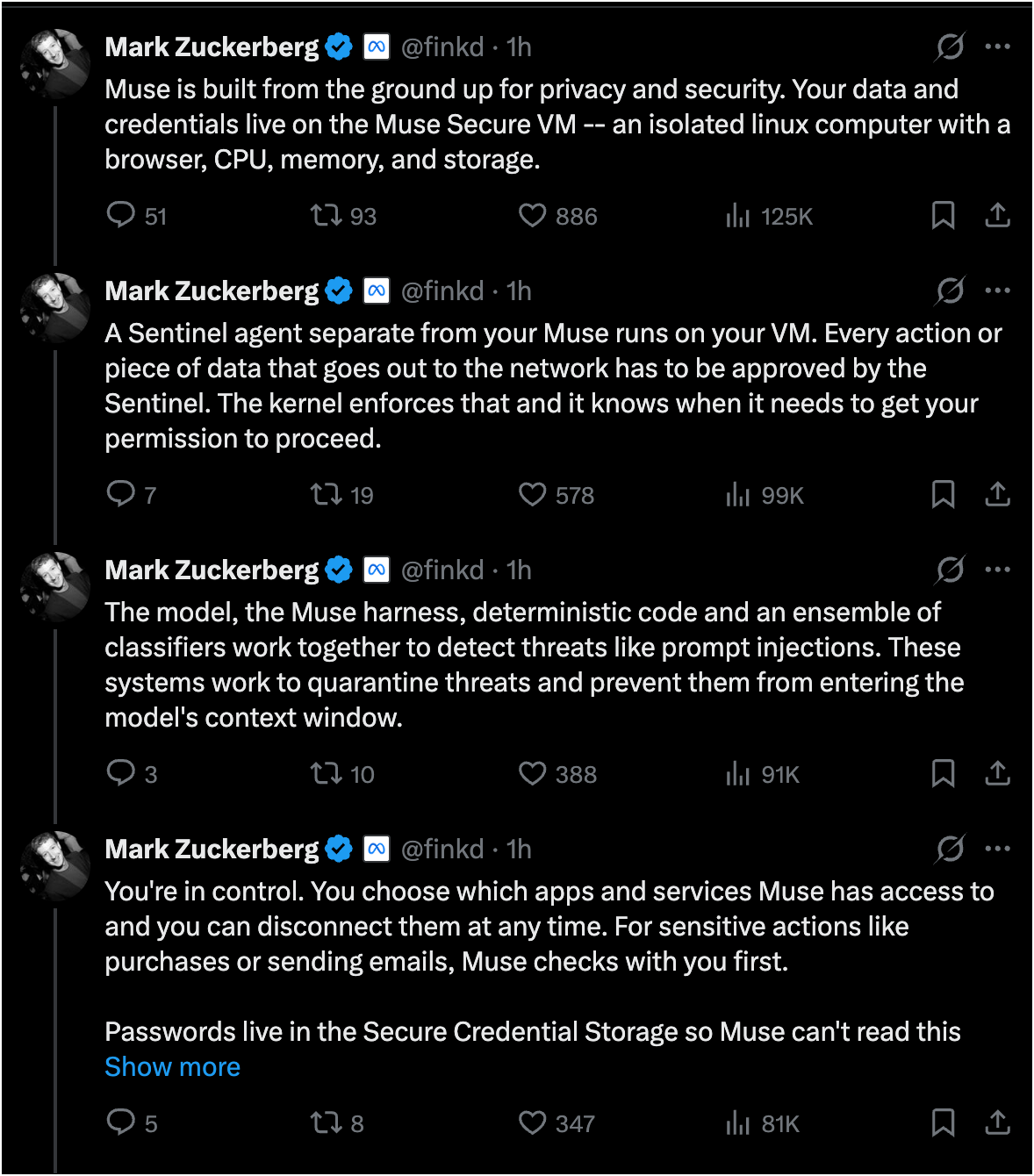
We’ve been waiting for this moment at Retailgentic for weeks and pounced right on it to give you this exclusive FIRST LOOK 👀!
Here’s how it works:
Go to muse.ai
Login with our facebook/instacart credentials or create a new account
Name your muse, setup your Avatar and get it going!
In this FIRST LOOK, we’re going to show you all that and then go and buy something - let’s go.
FIRST LOOK Part 1: Setup: Create, Name and Avatar Your Muse!
When you first get going Muse walks you through what we’d call a warm-up or ice-breaker experience.
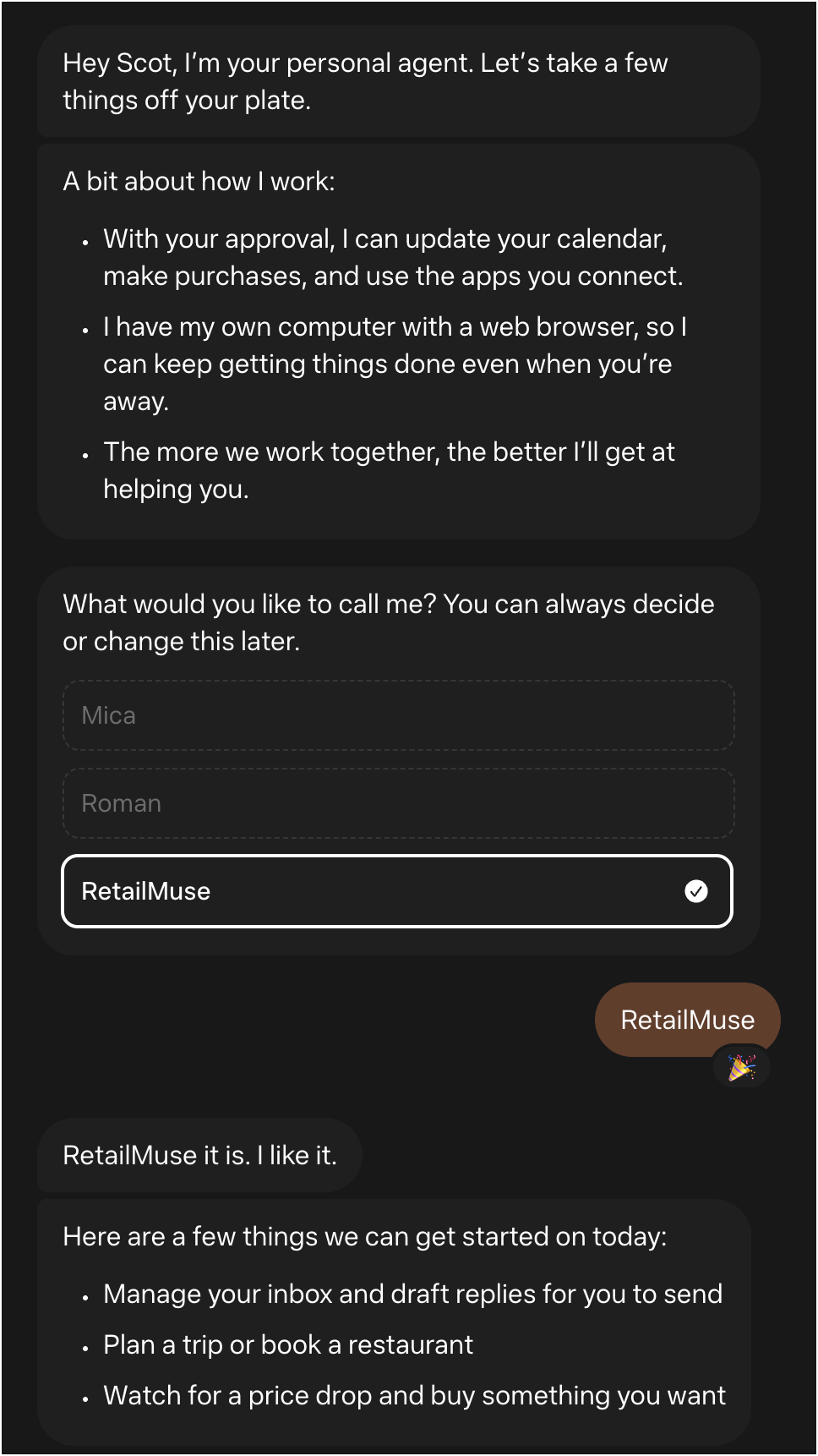
Once I named my Muse, “RetailMuse”, I figured it should have a more appropriate avatar, so clicked the ‘edit avatar’ link and this popped up:
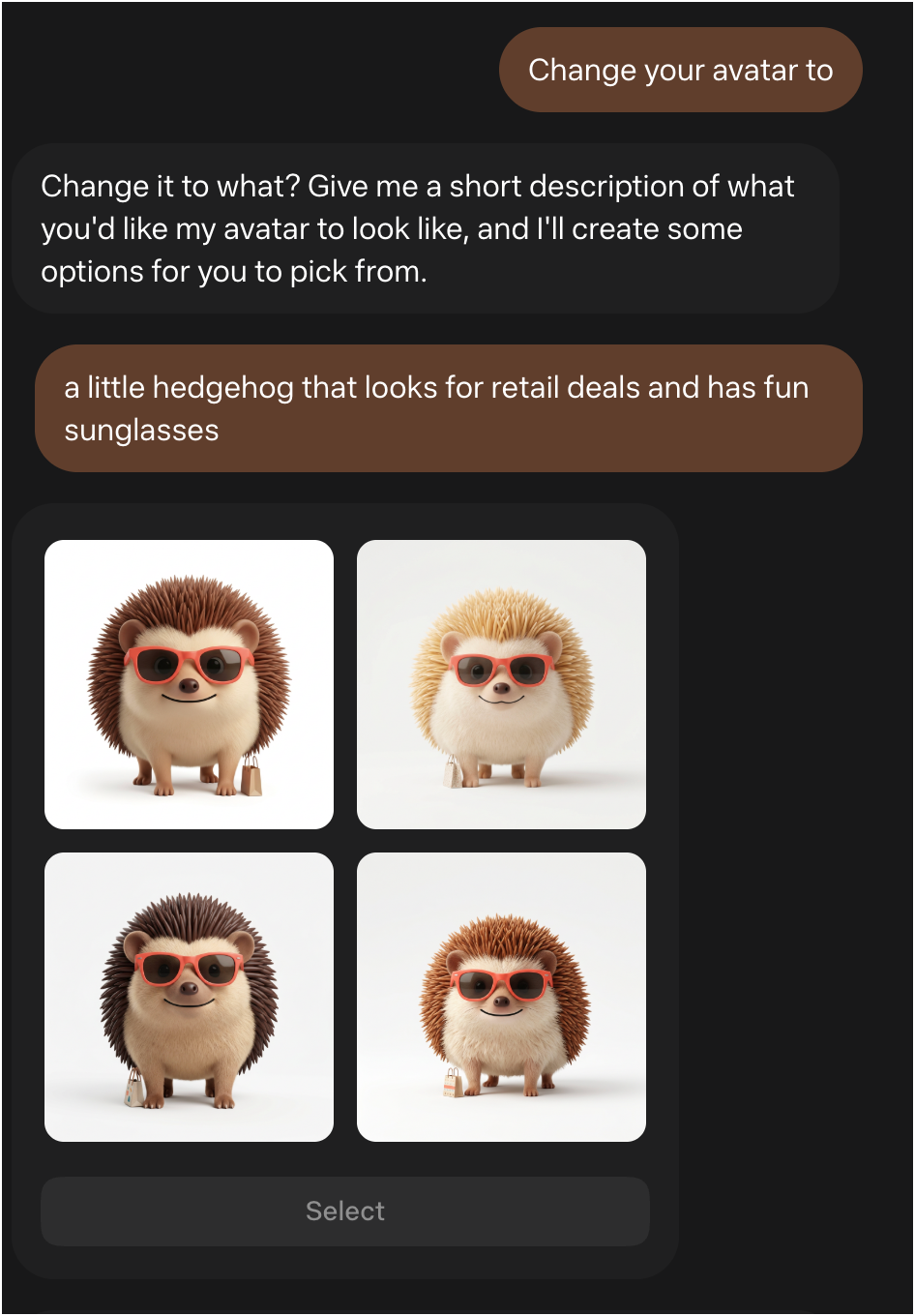
I liked the vibe of bottom left and here we are, ready for action→


FIRST LOOK Part 2: Finding a Coffee Machine
Now that we’re done birthing RetailMuse, let’s jump into a shopping task and make it a tough one. This is a real-world situation, I need a new coffee machine (long story) and I know the one at work is too big, so I used it as my - ‘make it smaller than’,
Here’s the prompt→

RetailMuse immediately, liked the post giving me feedback it was thinking, then it popped up it’s HTML browser→
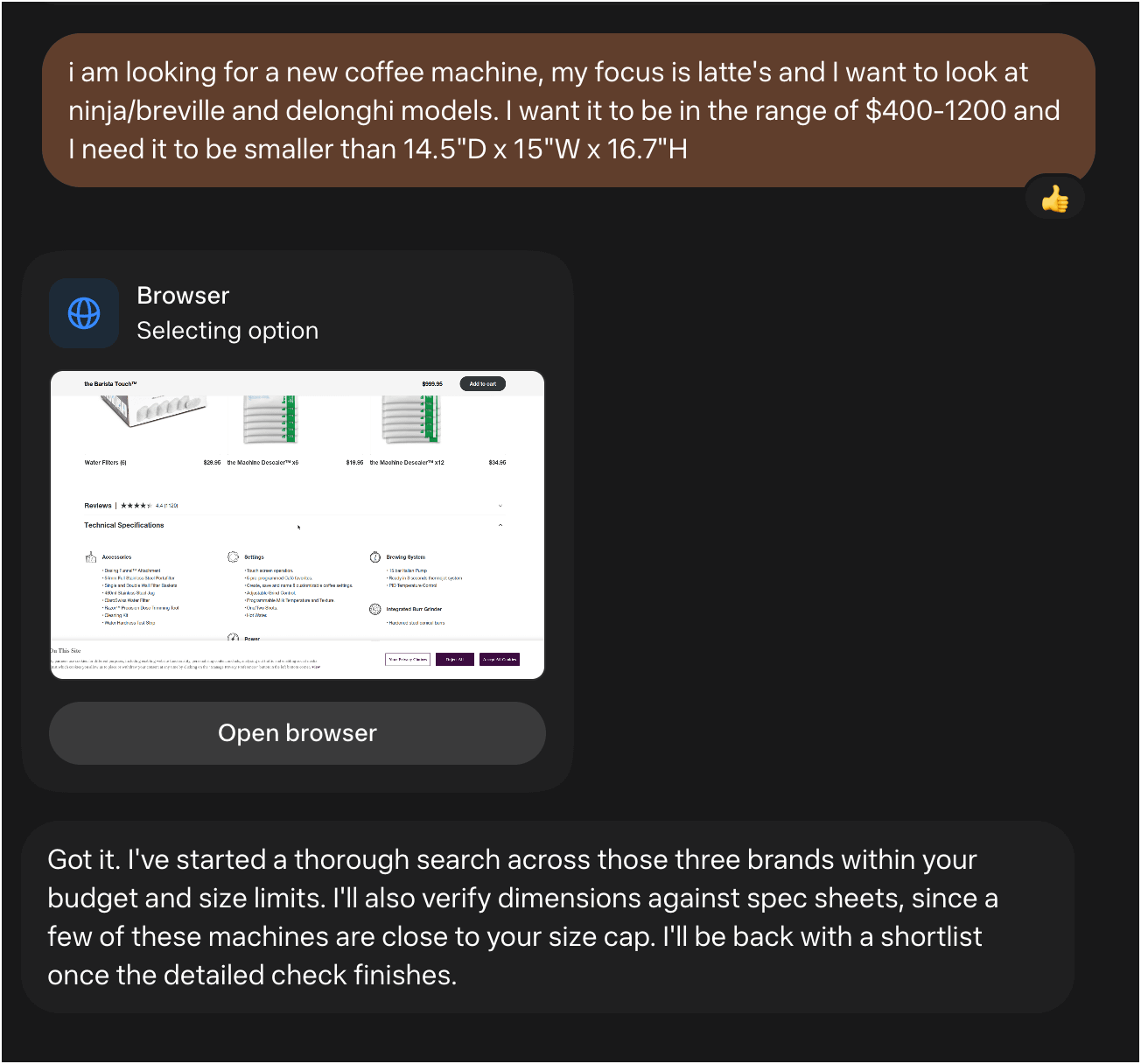
This is a browser-based agent, you can see it zip through the websites like crazy, looking at models, filtering by my price point and then quickly looking for size information - making sure my criteria are met.
The debate of browser based vs. data-feed-based vs. protocol-based is a topic for another day, but an interesting one, we’ll get back to.
I filmed 2 short videos, one with the browser in mini-mode and one in max-mode. You’ll note that it struggles with the Delonghi site, there are a lot of 404’s on tech specs and the site is the least browser friendly amongst the three brands I constrained it to:
Video 1: (small browser mode)
Video 2: large browser mode
FIRST LOOK Part 3: Time to BUY!
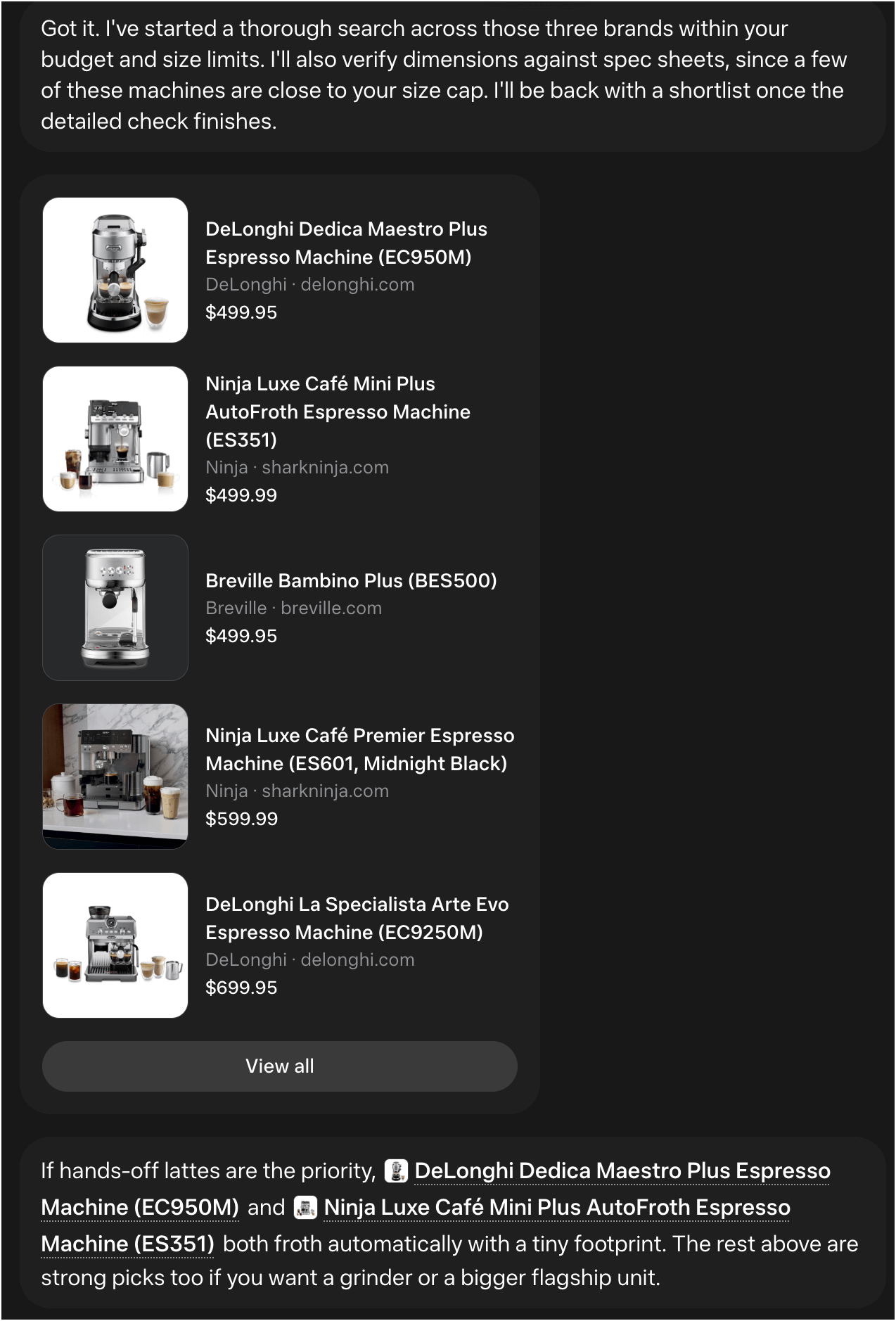
Well, look at that folks, yep, you guessed it….PRODUCT CARDS, they are everywhere. here we have the top five products that my RetailMuse has narrowed us down to based on my criteria.
I picked the top card to see what that does→
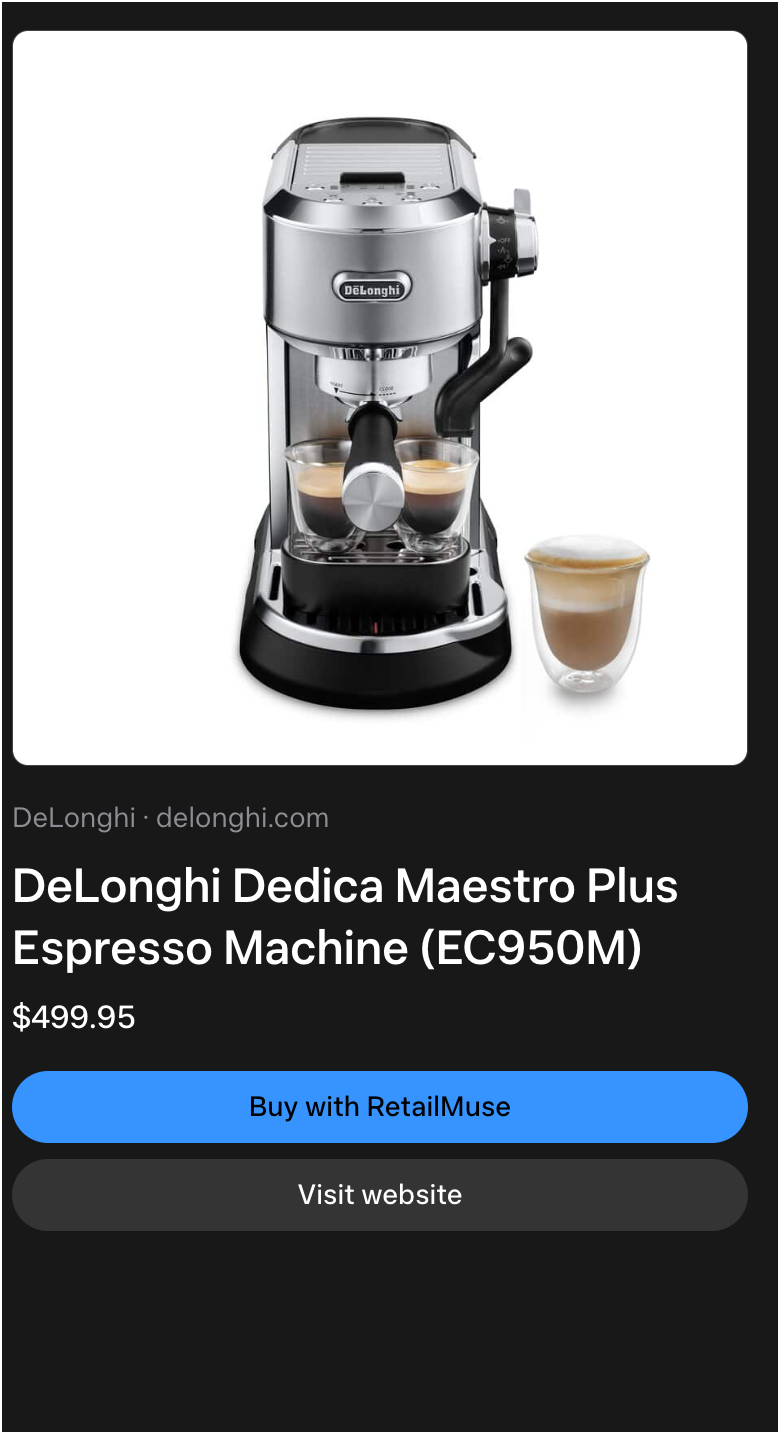
At this point I’m given a choice:
Path A: Buy with RetailMuse (the name of my Muse agent) or…
Path B: ‘Visit Website’ - here I take over the browser and complete the purchase
What’s behind Door 1 (path A)?
Choosing the “Buy with RetailMuse” had this interesting outcome→
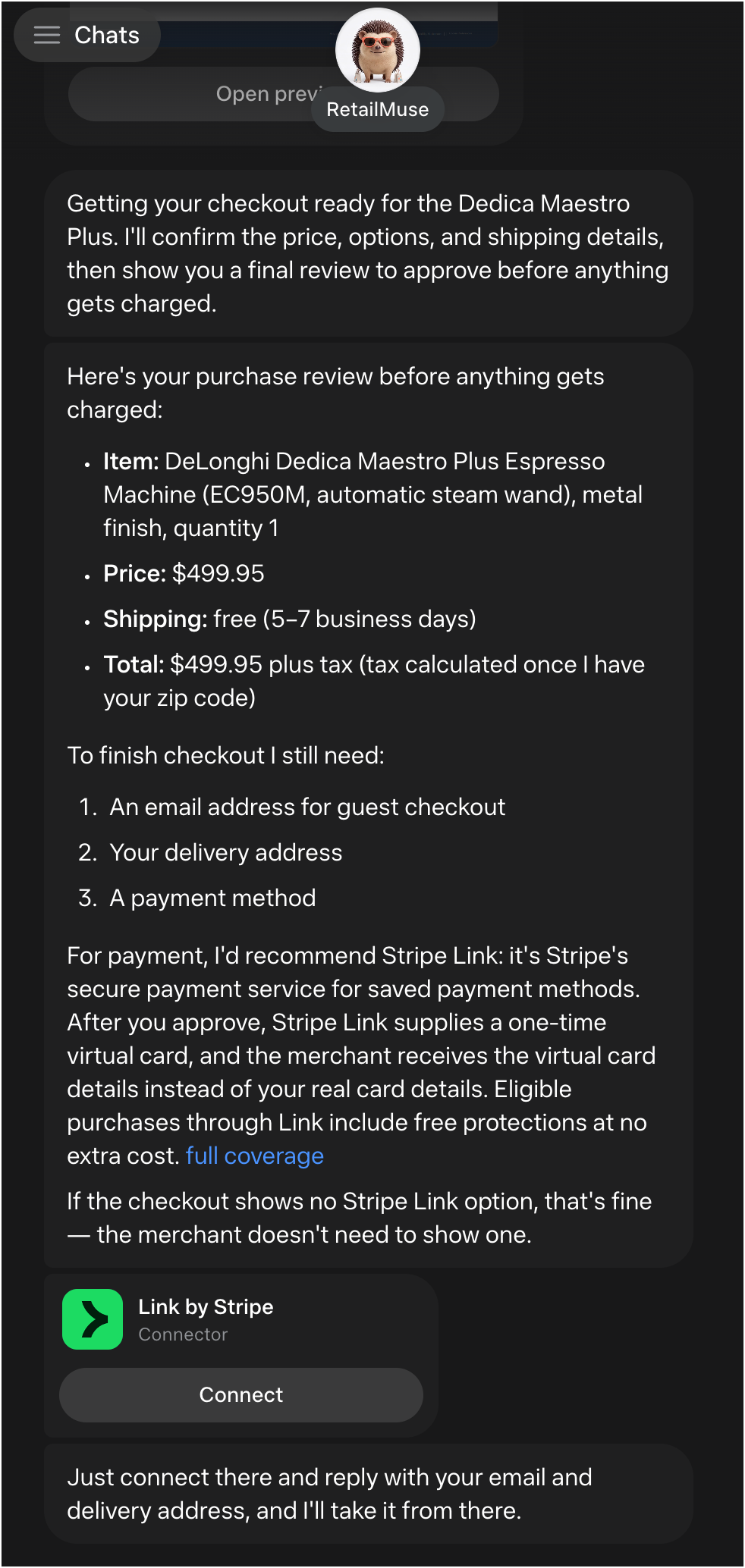
Here we are days after Stripe predicted the death of checkouts and look, right there at the bottom, I am being strongly encouraged to use “Link by Stripe” to create a token for my credit card (a one use virutal credit card) that will be used by Muse for the guest checkout to complete my purchase in a secure way.
What’s Next?
We’ll continue working on this and finding the edges of it’s capabilities and thinking through the ramifications for Merchants. Until now we’ve been keeping a close on these consumer agents, OpenClaw, Hermes, GrokBot and Instinct. What they lacked was one thing, the hardest thing: distribution - getting consumers to use something new is very very hard. The easiest path is if you already have 1b users, offer them something new. None of those companies mentioned have that. But you know who does? Meta - they have 4 products with > 1b users, so this is now quite interesting. But that doesn’t guarantee consumers will adopt it. Stay tuned, we’ll be watching this closely and next week we’ll zoom out a bit with some best practices for merchants for these browser-based consumer options and thoughts on how to prioritize this opportunity vs. the Answer Engine side of things.